
Watchlist Screening Explained: OFAC, Sex Offender Registries, and Custom Lists
What watchlist screening actually checks against, how match-quality scoring works, and the operational workflow when a flag fires at the lobby kiosk.
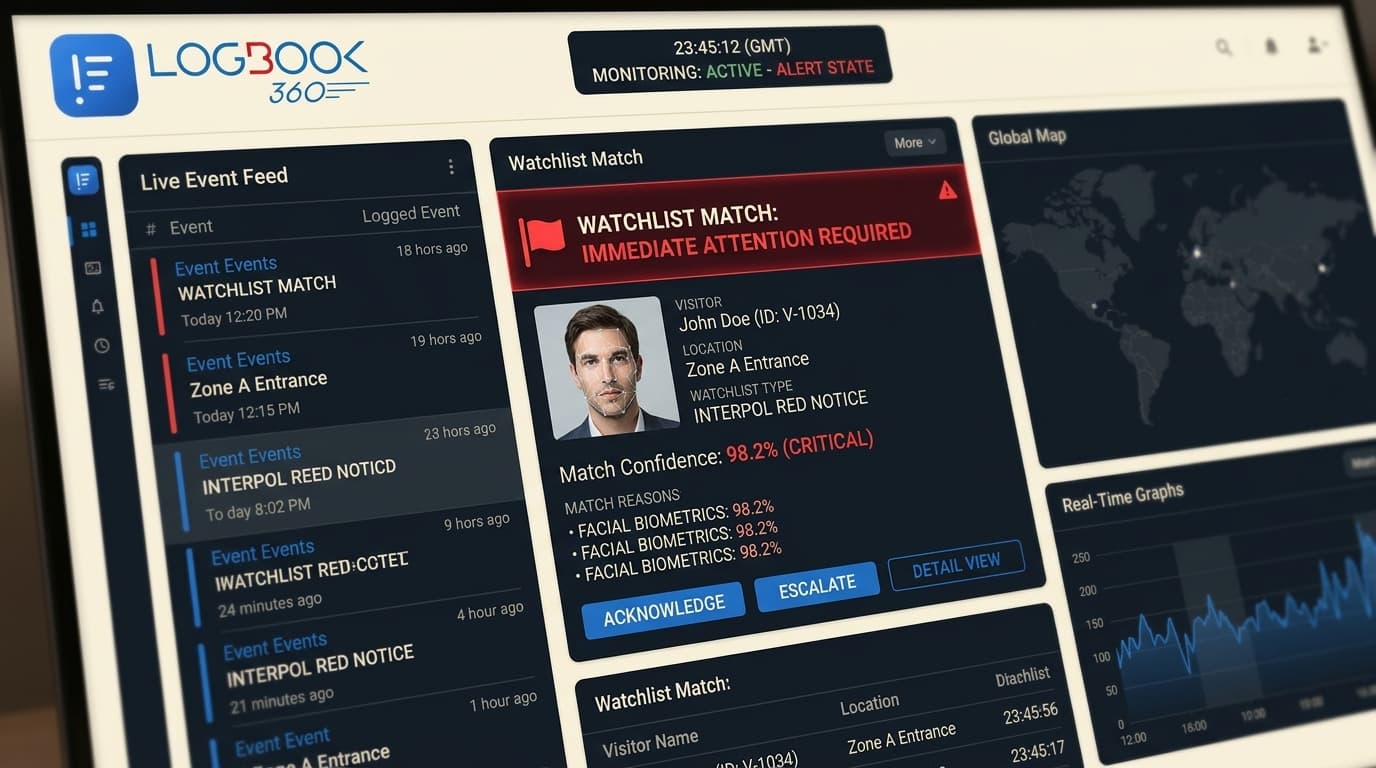
Watchlist screening at the lobby gets misunderstood by both ends of the org chart. Compliance teams assume the platform 'just handles it'; security teams assume it generates an avalanche of false positives. Neither is true. Done right, it's one of the highest-leverage controls a physical security program can run, and the operational footprint is surprisingly small.
This article walks through what's actually being checked, how match quality is scored, and what the operations team has to do when a flag fires.
What watchlist screening is
Watchlist screening is the real-time cross-reference of an inbound visitor's verified identity against a curated set of restricted-party, sanctions, and offender registries. The platform performs the check the moment a visitor scans an ID or QR code, and surfaces any potential match before the visitor is granted entry.
Which lists get screened
The 'core' list set every enterprise visitor platform should screen against:
- OFAC Specially Designated Nationals (SDN) and consolidated sanctions lists.
- U.S. State Department denied-party lists (DDTC, ITAR-relevant).
- BIS Entity List and Unverified List for export-controlled facilities.
- Sex offender registries across all 50 U.S. states (real-time API).
- FBI and U.S. Marshals Most Wanted.
- UN Consolidated Sanctions and EU Sanctions Lists.
- HM Treasury (UK), Canadian, Australian, and Japanese sanctions registers.
- Any custom blocklist your organization uploads (terminated employees, denied vendors, restricted IPs).
How matching works (and false positives)
Naive substring matching would flag a third of your visitors. Modern watchlist matching uses fuzzy, name-equivalence, and contextual scoring to keep the false-positive rate low while catching real matches.
- Name normalization handles transliteration (e.g. Mohammed / Mohamed / Muhammad).
- Date of birth and nationality narrow ambiguous name matches.
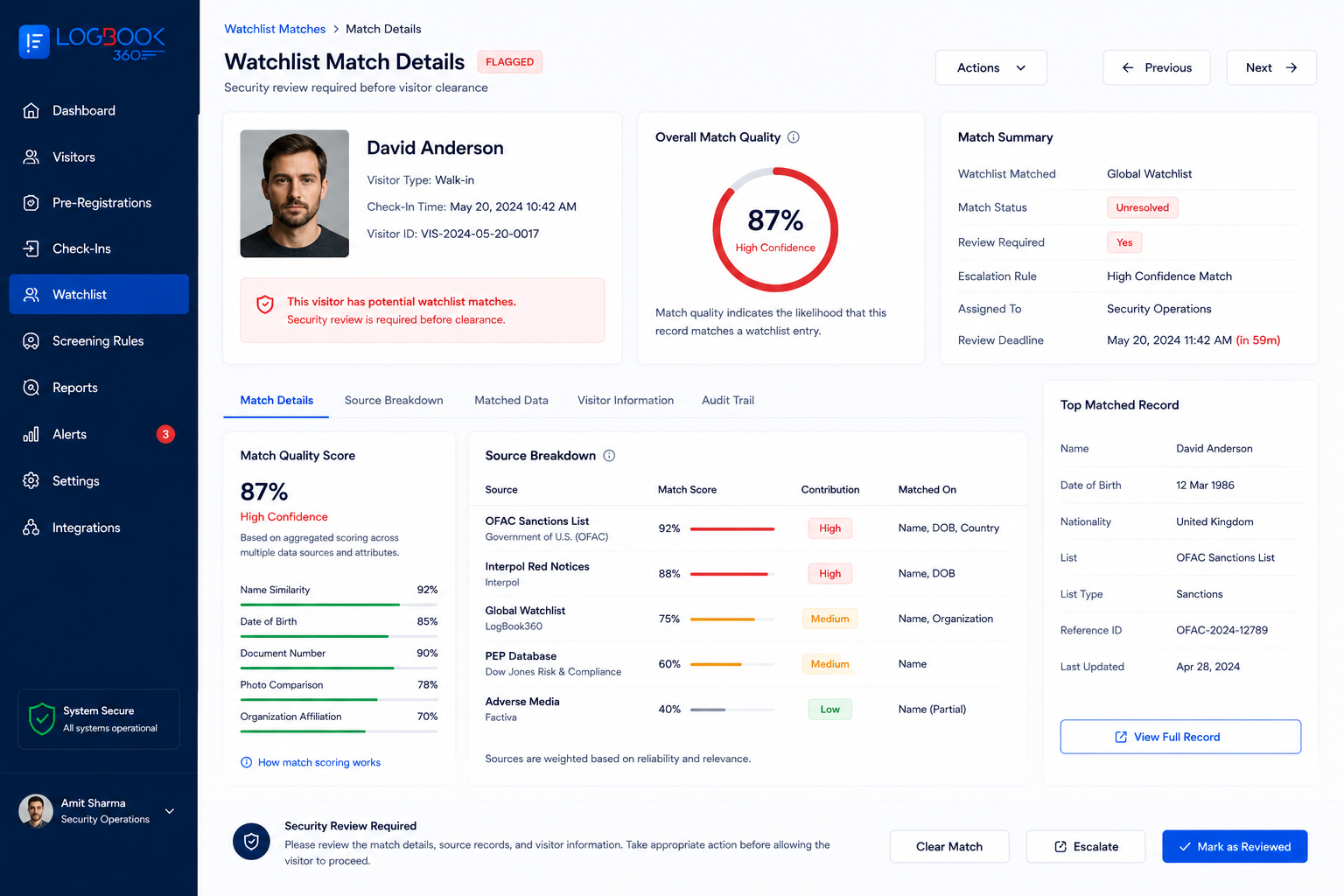
- Confidence scoring (typically 0-100) drives the alert threshold.
- Above a tunable threshold (often 85), the visitor is held for review rather than auto-denied.
- Below the threshold, the match is logged but the visitor proceeds.
Workflow when a flag fires
The most important question isn't 'did we screen?', it's 'what happens next?' The defensible workflow has four steps:
- 1Kiosk displays a neutral message: 'Please wait while we confirm your details.' The visitor doesn't see the match.
- 2Security receives a real-time alert with the matched list, confidence score, and a side-by-side identity comparison.
- 3An on-duty officer reviews and either clears the visitor or escalates per the runbook (often: deny entry, retain ID, escalate to SOC).
- 4The decision is logged with timestamp, reviewer, justification, and outcome, becoming part of the audit trail.
Industry-specific list profiles
Different industries layer additional lists on top of the core set:
- Defense and aerospace: ITAR DDTC debarred parties, BIS Entity List, Military End User (MEU) List, CMMC-relevant exclusions.
- Healthcare: HHS-OIG LEIE (Excluded Individuals/Entities), state Medicaid exclusion lists, FDA debarment list.
- Financial services: FinCEN Section 311 special measures, FCA UK enforcement, SEC enforcement actions, OSFI consolidated lists.
- Higher education: research-misconduct registers (Office of Research Integrity), foreign-talent-program watchlists, defense-funded research exclusions.
- Government / federal: SAM.gov debarred contractors, GSA exclusion lists.
What good looks like in operation
After a year of running screening at scale, the patterns that hold up in practice:
- Sub-second screening latency at the kiosk.
- False-positive rate under 0.5% at a 85+ confidence threshold.
- Average review-to-decision time under 90 seconds.
- 100% of flag decisions logged with reviewer, justification, and outcome.
- Quarterly retrospective on the runbook with the SOC team.
If your current platform can't tell you its false-positive rate or its median review time, those are the first numbers to ask for.