
GDPR and Visitor Logs: A 2026 Compliance Guide for Enterprises
Visitor logs contain personal data under GDPR. Here's what Articles 5, 17, 30, and 32 actually require, how long you can keep records, and how to handle right-to-erasure requests.
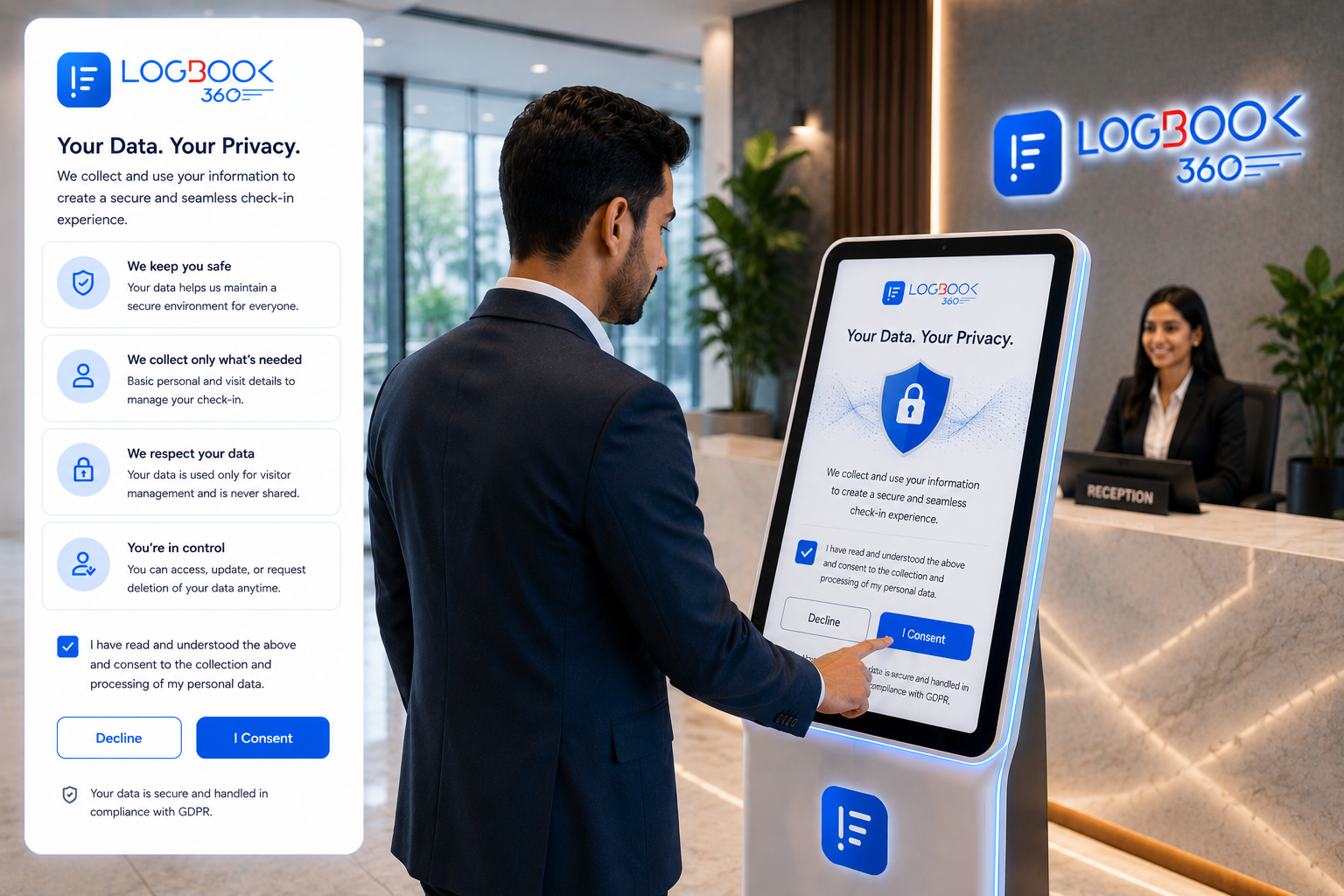
Most compliance teams have GDPR locked down for their CRM, HR system, and marketing stack. The visitor logbook at the front desk is the one place it often quietly breaks down. A paper book in a binder, scanned PDFs sitting on a SharePoint folder, or a tablet running an app you bought five years ago: all of those collect personal data and all of them are in scope.
This guide walks through what GDPR actually requires for visitor records, what 'good' looks like, and the operational steps to bring your lobby into compliance without slowing it down.
Is a visitor log personal data?
Yes. A name plus a visit time plus a host plus, often, an ID photo or signature is unambiguously personal data under GDPR Article 4(1). The General Data Protection Regulation applies to any organization processing personal data of individuals in the EU or EEA, including non-EU companies with a single EU office.
Picking a lawful basis
GDPR Article 6 lists six lawful bases for processing. For visitor management, the realistic options are 'consent' (Article 6(1)(a)) or 'legitimate interests' (Article 6(1)(f)). In practice, most enterprises land on legitimate interests for the security record and consent for any optional data like marketing follow-up.
- Legitimate interests works for the core visit record (name, host, time in / out), because preventing unauthorized site access is a clear, documented security interest.
- Consent is required for any optional fields (newsletter sign-up, marketing opt-in, health questionnaire).
- Consent must be 'freely given, specific, informed, and unambiguous' (Article 7). A pre-ticked box at check-in is not valid consent.
- Document your lawful basis decision in a one-page DPIA addendum. Auditors look for this.
How long can you keep visitor records?
GDPR Article 5(1)(e) requires storage limitation: data should only be kept for as long as necessary. There's no fixed number in the regulation. The practical answer depends on what else applies (incident investigation, insurance, ISO 27001 audit scope), but the patterns that hold up to scrutiny are:
- Active operational record: 30 to 90 days for general office visits.
- Security incident archive: up to 12 months, only retained if needed for a documented incident.
- Regulated industries (defense, healthcare, financial): align to your sector-specific retention rules (often 2 to 7 years).
- Marketing / opt-in data: separate retention policy, tied to consent withdrawal.
Whatever schedule you pick, the platform must enforce it automatically. Manual deletion is where retention policies go to die.
Handling right-to-erasure requests
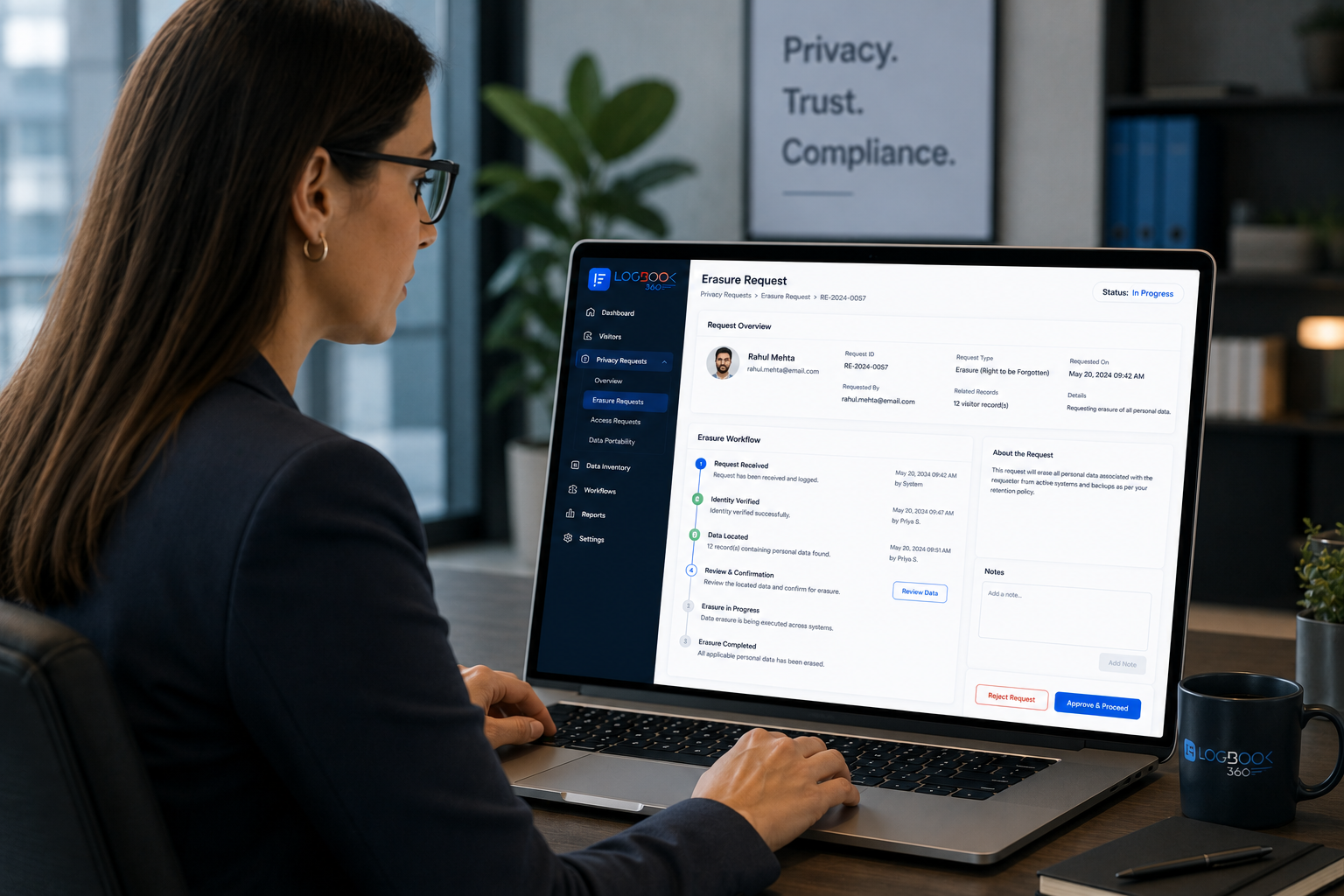
Article 17 (right to erasure / 'right to be forgotten') is one of the most common reasons a visitor data subject reaches out. Your platform must be able to find every record for an individual across every site, and either delete or anonymize them within 30 days of the request.
Operationally, a defensible erasure workflow looks like this:
- 1A search interface that returns every record tied to a person across all locations.
- 2A reviewer step where a privacy officer confirms the request is valid and the records are not subject to a legal hold.
- 3An anonymization or deletion action with a timestamped log entry capturing the decision.
- 4An automated confirmation email to the requester within the 30-day window.
- 5An audit log of all erasure actions, retained as part of your Article 30 records.
Article 30: Records of processing
Article 30 requires you to maintain a record of processing activities (RoPA): what data you collect, why, how long you keep it, who you share it with, and what safeguards you apply. For visitor management, the RoPA entry should reference your lawful basis decision, retention schedule, data flows (e.g. screening providers), and any cross-border transfers.
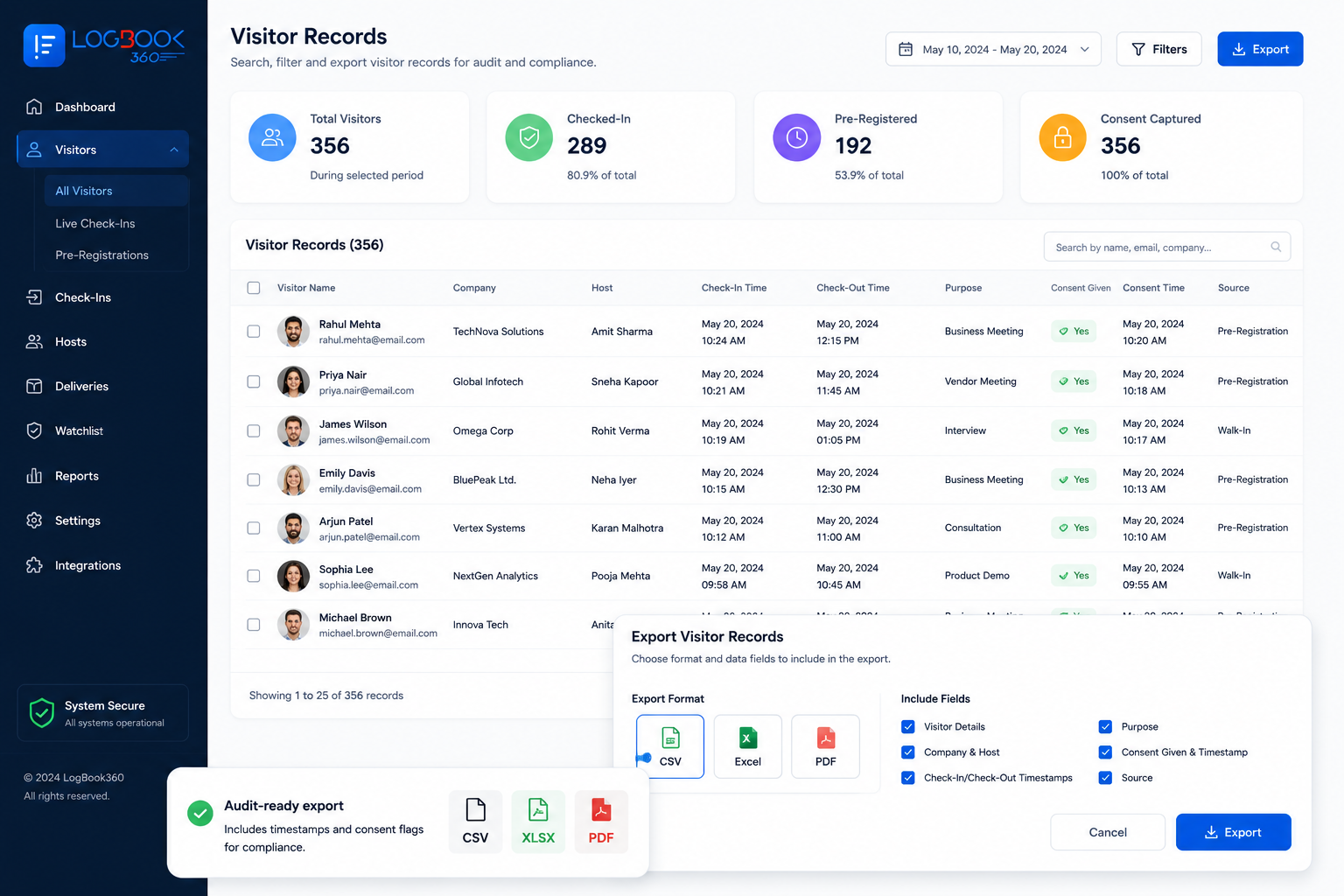
When a regulator asks, you have to produce this on demand. A platform that exports the RoPA entry in machine-readable form saves you days of manual scrambling.
Article 32: Security of processing
Article 32 mandates 'appropriate technical and organisational measures' to secure personal data. For visitor systems, that means:
- Encryption at rest and in transit (TLS 1.2+ minimum, AES-256 for storage).
- Role-based access controls and SSO with audit logs.
- Hardened authentication: MFA for admin accounts at minimum.
- Backup, restore, and disaster recovery procedures with documented RTO/RPO.
- Pen-test results and a current SOC 2 Type II or ISO 27001 certification on the vendor side.
Operational checklist
Print this out and tape it to the front-desk runbook:
- 1Display a clear privacy notice at the point of check-in. Include the data controller name, lawful basis, retention period, and DPO contact.
- 2Capture consent only for optional data. Don't bundle marketing opt-ins with security records.
- 3Set retention windows to auto-delete on a schedule (typically 90 days for general office, longer for regulated industries).
- 4Build an erasure workflow that completes in under 30 days end to end.
- 5Maintain an Article 30 RoPA entry specifically for the visitor management system.
- 6Encrypt everything, log everything, and back up everything.
- 7Run a tabletop exercise once a year simulating a subject access request and an erasure request.
Our compliance team can walk you through how LogBook360 maps to each GDPR Article and what an audit-ready export looks like in practice.