
How a Public R1 University Manages 50,000 Daily Visitors Across 11 Buildings
A flagship state university replaced a dozen disconnected check-in systems with a unified visitor management platform across 11 academic buildings, 4 research facilities, and 2 admin centers.
- ProfileLand-grant research university with classified research facilities
- Size~42,000 students, ~8,000 faculty/staff
- RegionU.S. South
- FrameworkFERPA, NIST SP 800-171 (research), Clery Act, state campus security law
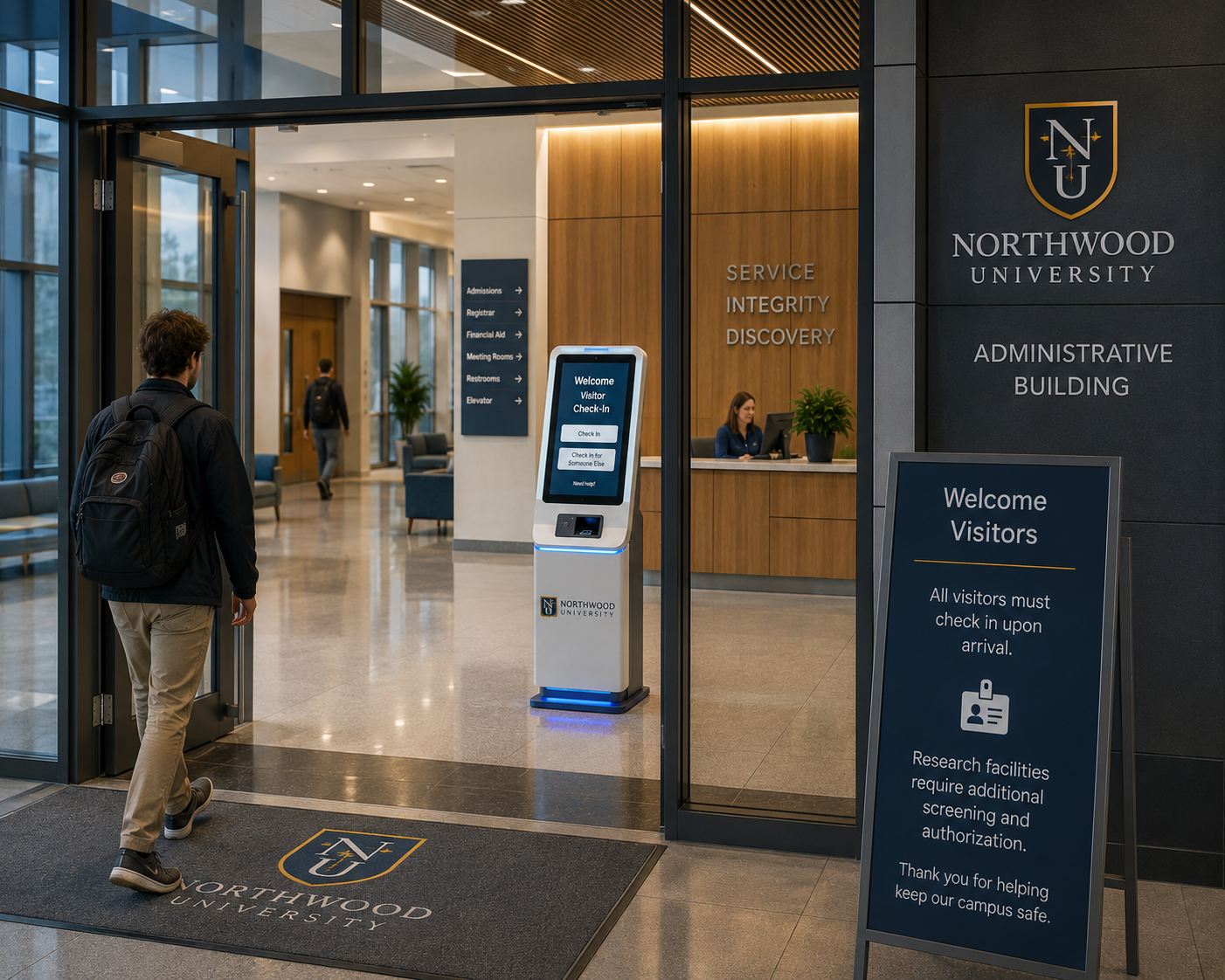
Higher education has a visitor management problem that defense and healthcare don't share. The volume is enormous (a flagship campus can see 50,000 visitors a day during a basketball weekend), the access patterns are wildly varied (prospective students, contractors, donors, foreign researchers, journalists), and the regulatory surface is fragmented (FERPA, Clery Act, state campus security law, plus NIST SP 800-171 for federally funded research).
Here's how a public R1 flagship university unified visitor management across 11 academic buildings, 4 research facilities, and 2 admin centers in 11 weeks.
Background
The customer is a public R1 land-grant university with 42,000 students, 8,000 faculty and staff, and a fall-semester visitor footprint that peaks at 65,000 people per day on home football Saturdays. The campus operates 4 controlled research facilities (one with active DOE-funded classified research) alongside its general academic buildings.
Why 11 buildings needed one platform
Before the rollout, the campus had a fragmented mix:
- 3 different visitor management vendors at different research facilities, none of them talking to each other.
- Paper sign-in books at most academic buildings.
- A homegrown event-ticketing tool for athletics that doubled as visitor check-in on event days.
- No unified record for Clery Act crime statistics tied to specific buildings.
The catalyst was a 2025 Clery Act audit that flagged the lack of a consistent visitor record as a control gap.
How it's deployed
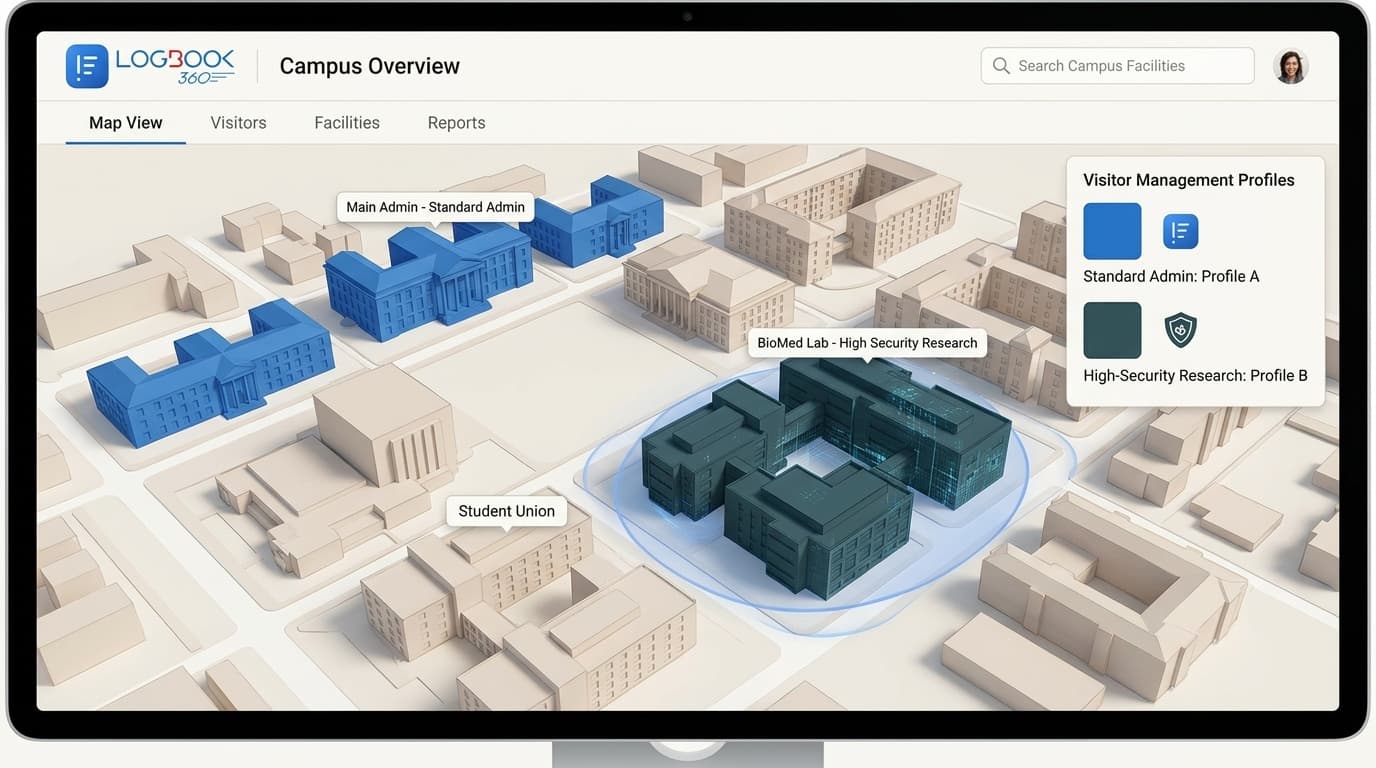
The campus runs a single platform with three configuration profiles:
- 1Open academic buildings: name + reason + host capture, no ID scan, 30-day retention. Optimized for prospective students, alumni, and general visitors.
- 2Administrative buildings: ID scan + watchlist screening, host notification via SSO, 90-day retention.
- 3Research facilities: full kiosk flow, ID + liveness, foreign-national screening against DDTC and BIS Entity List, 7-year retention for classified-research sites.
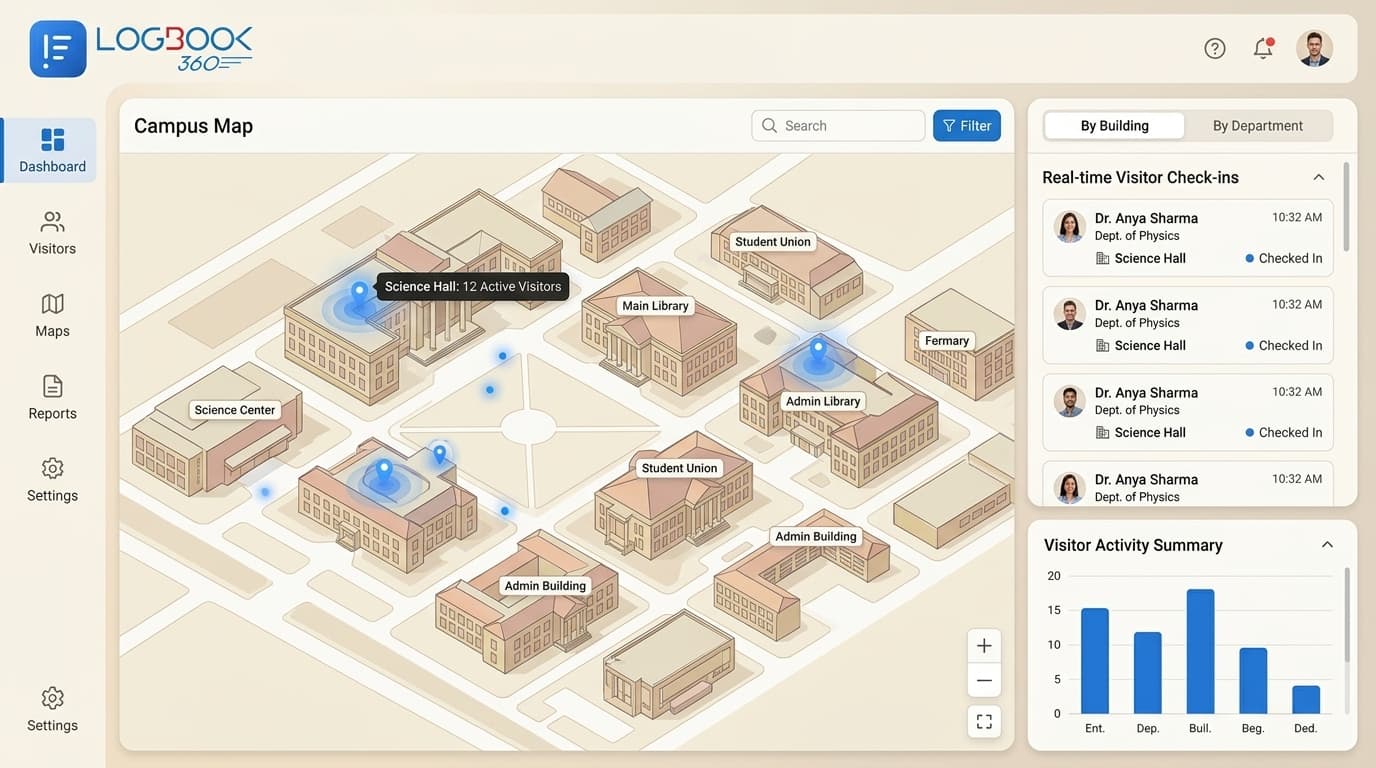
The same platform, three profiles, one dashboard for campus police and the dean of campus security.
Research facilities have their own profile
The 4 research facilities run the stricter profile mentioned above. For one DOE-funded classified research building, the profile additionally requires:
- Pre-clearance 48 hours in advance for any foreign national.
- Escort-required workflow with the host's signed acknowledgment.
- Real-time alert to the facility security officer (FSO) when a foreign-national check-in succeeds.
- Daily roll-up to the corporate security operations center.
The research facility profile maps directly to NIST SP 800-171 PE.3.136 visitor access controls, which was a hard requirement for the campus's federally funded grants to continue.
Outcomes
- All 17 sites on one platform with role-appropriate access profiles.
- Clery Act reporting gap closed on the first quarterly review post-deployment.
- Campus police can pull a visitor history for any incident in under 2 minutes (previously: cross-referencing 3 different vendor exports plus paper).
- Foreign-national pre-clearance workflow now standard at all research facilities, with documented compliance for active DOE-funded grants.
- Athletics visitor volume on football Saturdays handled by the same platform without additional infrastructure (kiosk hardware augmented with mobile staff scanners on event days).
“Our auditors went from 'where is the data?' to 'can you export it in this format?' in one cycle. That's a categorical shift in how mature our physical security program looks.”
Could this be your story?
Talk to our team about deploying this pattern for your organization.
Book a demo